
How I Cracked the CKA Exam (Certified Kubernetes Administrator) in 2025 — and Scored 89% in first attempt
Hello folks! I'm Othniel, a DevOps Engineer with over a year of experience when I decided to take my CKA (Certified Kubernetes Administrator) certification. At that time, I already had a basic understanding of Linux and networking, which helped me get started with the preparation.
Why I Chose CKA Certification: In May 2024, I resigned from my job and started searching for new opportunities. Unfortunately, there were no interview calls or even shortlisting on my profile, not a single reply. That's when I realized I needed to upgrade my skills and boost my career growth with a professional certification. I believed that earning a Kubernetes certification would help my profile stand out , and it truly did. After completing the CKA, I started receiving interview calls and job opportunities.
In this blog, I'm going to share how I cleared the CKA (Certified Kubernetes Administrator) exam, how I applied for it, how many days it took to prepare, and the strategies I used to score 89% in first attempt.
If you're planning to take the Kubernetes CKA exam in 2026, this post will help you understand everything, from registration to preparation tips, study resources, and exam-day strategy. I'll walk you through exactly what worked for me so you can achieve a great score too.
1. Study Materials I Used for CKA Preparation
• Kubernetes Official Documentation
• KodeKloud CKA Certification Course
• Killercoda CKA Exam Scenarios
• Killer Shell – Exam Simulators (2 attempts, provided by Linux Foundation after purchasing the exam)
2. Study Plan for CKA Exam
Phase 1: Every day, I used to watch the KodeKloud CKA Certification series for at least 1 hour/day. My mentor, Mumshad Mannambeth, explains core concepts clearly from basics to advanced topics covering everything you need to know before the exam. On hectic days, I spent 1 hour, and on lighter days I watched 2 hours, completing the labs in between, which was extremely helpful to crack the exam.
Phase 2: I also spent 30 minutes to 1 hour daily on the Kubernetes documentation. Some people suggest skipping the docs, but that's completely wrong because the CKA is an open-book exam. You need to know what exists and where it is. For example, if you get a question on PVCs, Secrets, or something similar, you must refer to the docs quickly and accurately. Documentation knowledge is essential.
Phase 3: After covering the course and docs thoroughly, I focused on practical exams. I started with KodeKloud mock exams there are 5 mocks that closely resemble the real CKA exam, each taking about 120 minutes. I practiced one mock per day. My first attempt at the first mock scored only 43%, so I wrote down notes, evaluated my mistakes, and retried. I repeated this process for all mocks until I consistently scored 85–90% on each one.
Phase 4: Next, I moved on to Killercoda exam scenarios, which include practical Kubernetes situations not found in the KodeKloud mocks. I practiced scenarios like Cluster Upgrade, NodeNotReady issues, Ingress/Egress problems, and API server failures. This was very helpful because these scenarios are common in the actual exam and can earn you extra marks.
Phase 5: Finally, I attempted Killer Shell – Exam Simulators (2 attempts, provided by the Linux Foundation). These are very tough even harder than the real exam. Don't feel discouraged or lose confidence after trying these; they are meant to prepare you and ensure you don't become overconfident before real exam.
Phase 6: Finally, one of the most important things I did was practice all mock exams using shortcuts. For example, I used k instead of typing kubectl, and instead of creating everything with YAML files, I used command-line commands like k run po --image=nginx , dry-run … and similar shortcuts. Learning and practicing these shortcuts is crucial because they save a lot of time during the exam. The CKA is time bound, so being familiar with efficient commands and shortcuts can make a big difference in your final score.
3. Finally: Exam Day and Result
After completing all my preparation, I scheduled my CKA exam for December 26, 2:00 AM, because I'm a night person and that was the only time I had free at home with stable internet. Choose a time that is comfortable for you, as exam performance can be affected by your environment and focus.
While booking and scheduling the exam, you will receive detailed instructions, including installing the PSI browser. It's very important to follow all instructions carefully, have a valid ID ready, and test the PSI setup before the exam so you don't feel nervous on exam day.
Once all checks were complete, I was allowed to start the exam. Most of the questions were similar to the mock exams I had practiced. I first read through all the questions and flagged two doubtful ones: the Sidecar question and the etcd part in Cluster Upgrade.
After completing the rest of the exam, I spent time revising the flagged questions. Unfortunately, I couldn't answer the Sidecar question correctly and missed the etcd part in Cluster Upgrade, which cost me 11 marks.
I scored 89% on my first attempt! I received the result email from the Linux Foundation on December 27, around 1:30 AM, and I was extremely happy.
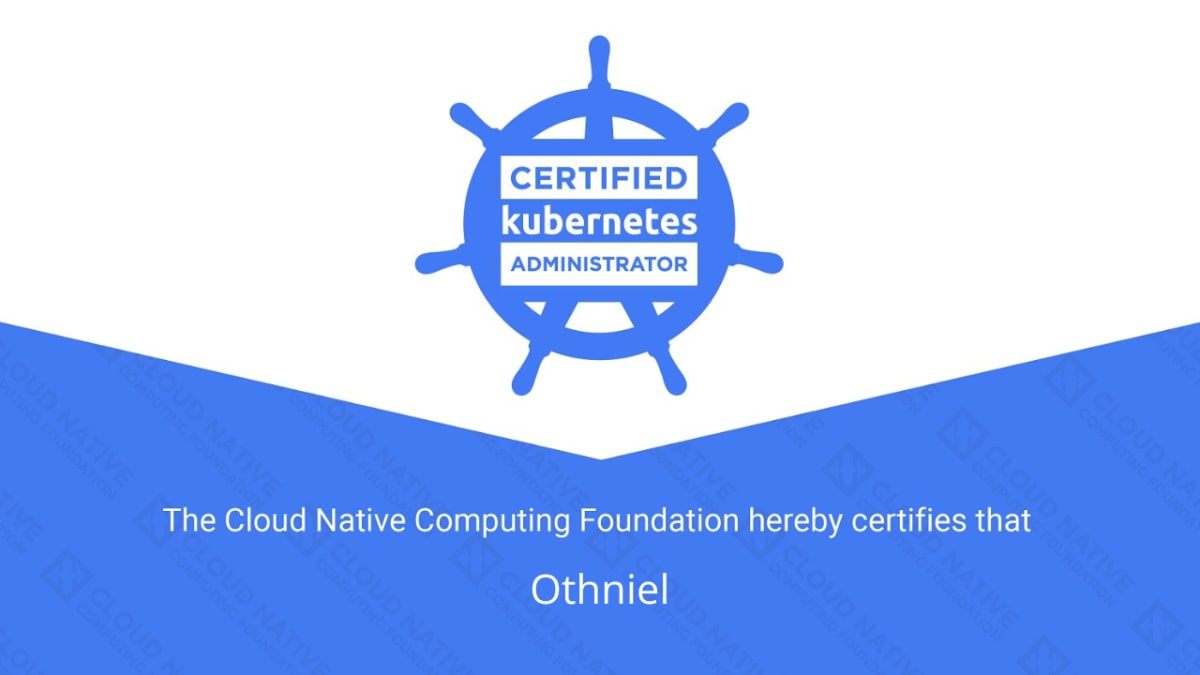
Below is my Certified Kubernetes Administrator (CKA) certification:


4. Tips for Cracking the CKA Exam
1. Learn to use Kubernetes documentation
2. Complete the KodeKloud CKA course and mocks
3. Use Killer Shell
4. Use shortcuts
5. Follow instructions from the Linux Foundation
6. Install and test the PSI browser
7. Use the same laptop for the exam or practice at least one week on your exam laptop
8. Don't rush
9. Practice, practice, practice
10. Don't lose hope
Congratulations on preparing for CKA! Comment below after clearing the exam and share your experience.
Continue Reading on ReadSide
Join thousands of writers who use ReadSide to write better and stay consistent.
Read Full Article →Free to read • Comment your doubts